Weekend pop-ups · demo
BBQ pop-up ordering demo
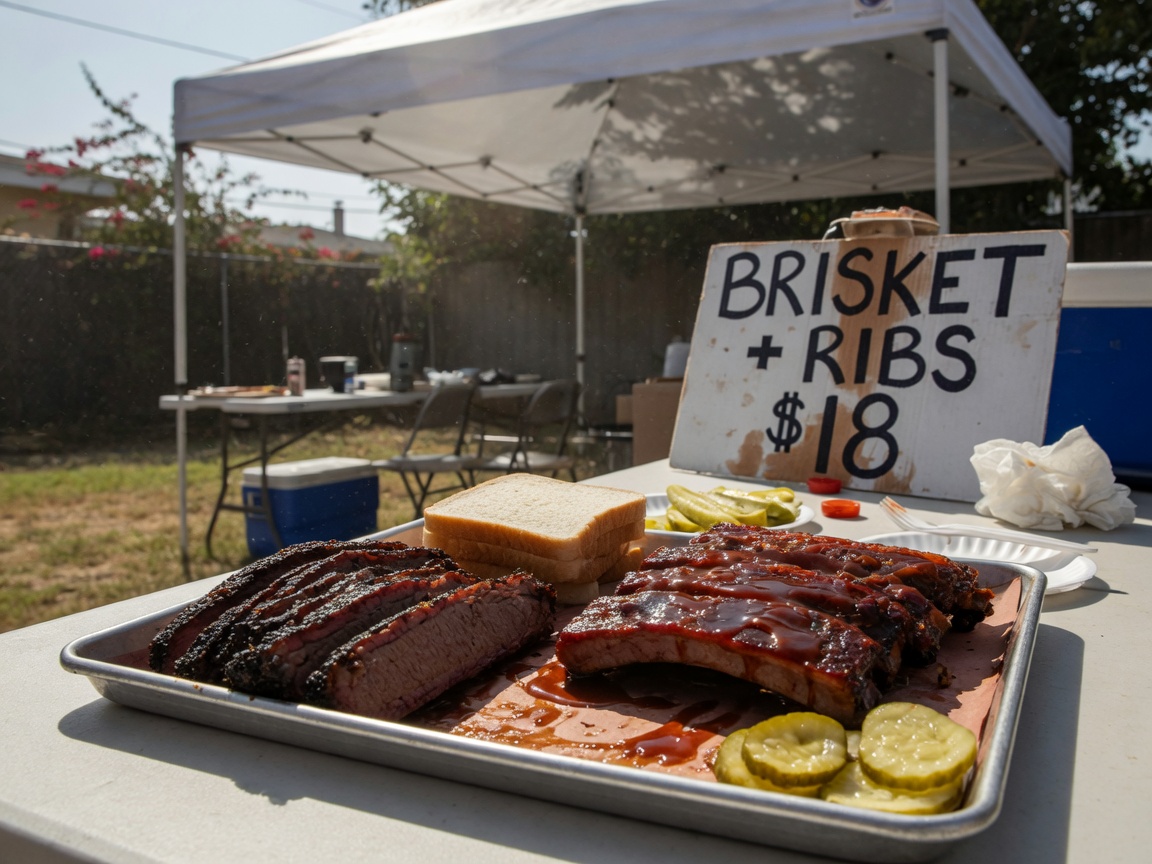
By the pound, sliced when you walk up. Preorder locks your weight so the late crowd doesn't eat your brisket.
Try it in 60 seconds
- 1. Order like a customer. Open the store, add something, check out. Nothing is charged.
- 2. Watch it land. A link pops up — tap it to open the owner dashboard.
- 3. Run the kitchen. Mark it cooking, then ready. Change a price. Mark an item sold out.
Everything you manage from your new website
Orders on one screen
New, cooking, ready, picked up — one tap moves each order along. No more hunting through DMs.
Your menu, your prices
Change a price, add a special, or mark something sold out from your phone. The store updates right away.
A prep list that adds itself up
See exactly how many of each item to make for today's orders.
Customers you keep
Every customer's name, number and order history — call or text any of them with one tap.
Sales you can see
This week vs last week, top sellers, and what came in by card vs pay at pickup.
Share in seconds
Your store link, a QR code, and a ready-to-paste post for Facebook and Instagram.
Want a store like Lot 7 BBQ? You get a draft after signup.
We polish it in about 3 business days, or you launch yourself. Customers pay you directly through Stripe. First month $19.99 on Store or Plus through December 31, 2026, then Store is $50 a month with a 3.5% platform fee on card orders. Plus is $100 a month with a 2% platform fee on card orders. A cook’s own domain is $20 setup plus $25 a year on either plan (.com, .net, .org, or .us). Stripe’s card-processing fee is separate. Pay-at-pickup has no KitchenCheckout fee. Cancel anytime online.
This Saturday 11am until sold out. Next drop posted Thursday.